
Category
AI Assistant
Free Plan
✅ Yes
Starting Price
$0 / month
Beginner Friendly
✅ Yes
Best For
Everyone
Developer
OpenAI
What is ChatGPT?
A writer + tutor + brainstorming partner + coding assistant + productivity tool — all in one.
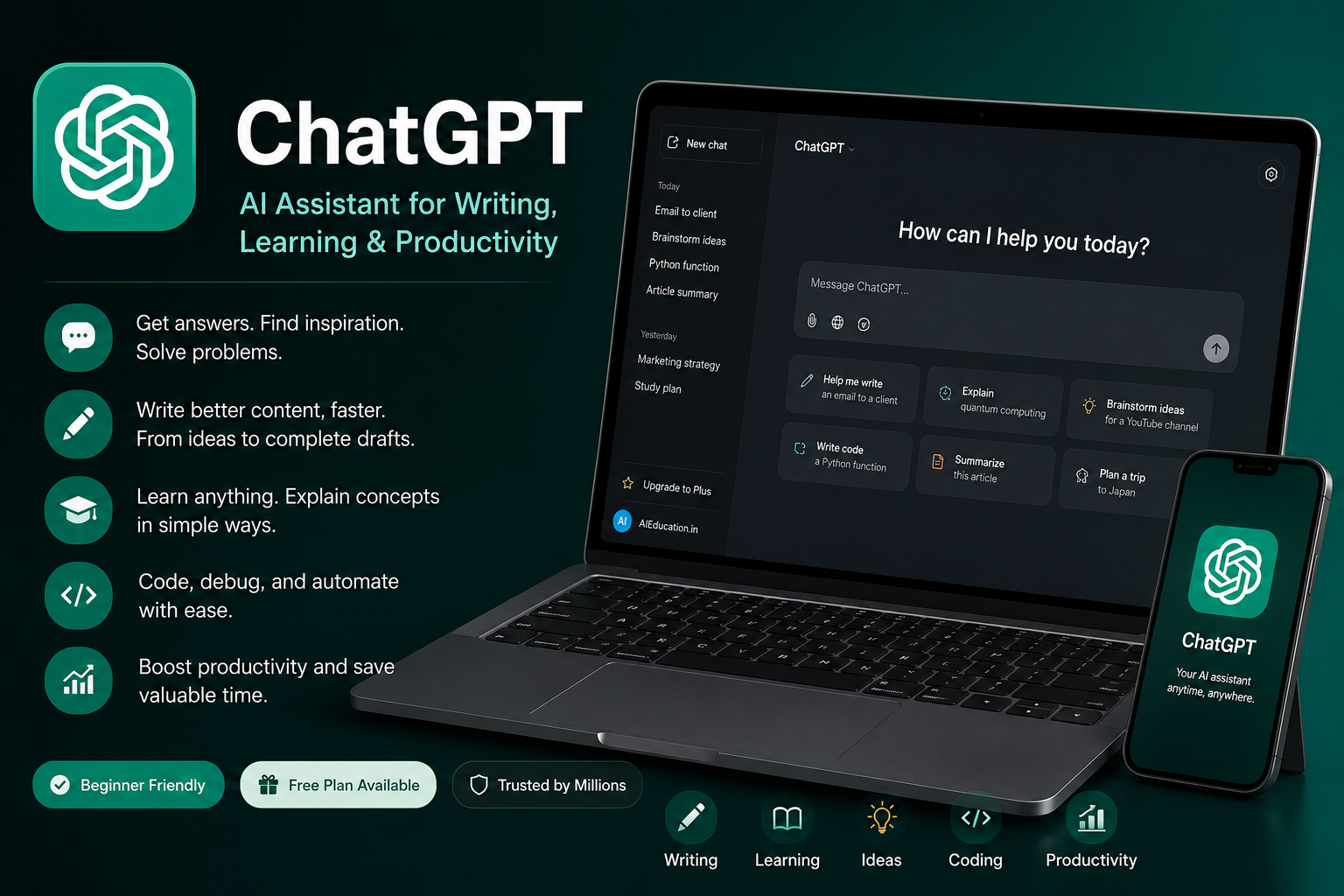
ChatGPT is an AI-powered assistant developed by OpenAI. It’s designed to understand natural language and generate helpful, human-like responses. Whether you’re drafting emails, learning something new, writing code, summarising a document, or brainstorming ideas — ChatGPT can help you do it faster and better.
First launched in November 2022, ChatGPT quickly became one of the most widely used AI tools in the world, with over 700 million weekly active users by mid-2025. It’s available on web, iOS, Android, and as an API for developers.
Who Should Use ChatGPT?
ChatGPT is one of the most versatile AI tools available. Here’s who benefits most:
Students
Homework help, essay outlines, exam prep, note summaries, research assistance
Writers & Bloggers
Content creation, SEO drafts, social captions, editing, idea generation
Creators
YouTube scripts, video ideas, content calendars, creative brainstorming
Business Owners
Email drafting, workflow automation, customer support templates, SOPs
Developers
Code generation, debugging, documentation, API help, learning syntax
Professionals
Reports, presentations, research summaries, productivity workflows
Key Features
Writing Assistance
Generate articles, emails, captions, scripts, product descriptions, and more in seconds.
Research & Summarisation
Explain complex topics, summarise long documents, or break down information simply.
Coding Support
Help with Python, JavaScript, HTML, CSS, APIs, debugging, and learning to code.
Brainstorming
Generate business ideas, marketing angles, product names, and creative strategies.
Productivity Workflows
Build templates, automate repetitive writing tasks, and streamline your work.
Learning Companion
Understand difficult concepts, practice new languages, or build skills step by step.
Image Generation
Create images using ChatGPT Images 2.0 (available on Plus and above plans).
Web Search
Browse the web in real time to find current information and up-to-date answers.
Pros & Cons
✅ Pros
- Completely free to start — no credit card needed
- Works for almost any task or industry
- No technical background required
- Excellent for learning and explanations
- Regularly updated with new features and models
- Available on web, iOS, and Android
- Supports image generation and web search
❌ Cons
- Advanced features require a paid plan ($20+/month)
- Can produce inaccurate or outdated information
- Free tier has message limits during peak hours
- Prompt quality heavily affects output quality
- Free/Go plans may show ads (since Feb 2026)
- Conversations may train OpenAI’s models unless you opt out
ChatGPT Pricing (2026)
ChatGPT now offers 6 pricing tiers. Here’s a clear breakdown as of May 2026:
| Plan | Price | Best For | Key Features |
|---|---|---|---|
| Free | $0/mo | Beginners & students | GPT-5.3 Instant, limited messages, web search, image gen (basic) |
| Go | $8/mo | Budget-conscious users | GPT-5.5 in Codex, higher limits — note: includes ads |
| Plus Most Popular | $20/mo | Professionals & creators | GPT-5.5, faster responses, skip queue, advanced image gen, 10 Deep Research runs/month |
| Pro $100 | $100/mo | Power users & researchers | 5× Plus quotas, 500 Deep Research sessions/month (launched April 2026) |
| Pro $200 | $200/mo | Heavy technical use | 20× Plus quotas, unlimited Deep Research, Sora video gen, 1M-token context window |
| Business | $20/seat/mo | Teams of 2+ | Everything in Plus + shared workspaces, SAML SSO, SOC 2 compliance, 60+ integrations, training data excluded by default |
* Prices in USD. Business plan is $25/seat/month on monthly billing. Enterprise pricing is custom. Pricing accurate as of May 2026 — always check openai.com/pricing for the latest.
Our recommendation: Start with the Free plan. If you’re using it regularly, Plus at $20/month is the best value for most users. Teams of 2 or more should go straight to Business — it’s the same price as Plus per seat but includes admin controls and privacy features.
Real-World Use Cases
| Who | Use Cases |
|---|---|
| 🎓 Students | Study help, essay outlines, homework explanations, flashcard creation, exam prep, language practice |
| ✍️ Creators | YouTube scripts, blog drafts, Instagram captions, content calendars, creative brainstorming, newsletter writing |
| 💼 Businesses | Marketing emails, SOP creation, customer response templates, workflow planning, product descriptions, market research |
| 💻 Developers | Code generation, bug fixes, learning syntax, API documentation, code review, writing tests |
| 📊 Professionals | Report drafting, meeting summaries, data interpretation, presentation outlines, email responses |
ChatGPT vs Other AI Tools
Not sure which AI assistant is right for you? Here’s a quick comparison:
| Tool | Best For | Free Plan | Strengths | Limitations |
|---|---|---|---|---|
| ChatGPT | All-round use | ✅ Yes | Most versatile, largest user base, frequent updates | Can hallucinate, free tier limited |
| Claude | Writing & long documents | ✅ Yes | Excellent for long-form writing, nuanced reasoning, large context window | Fewer integrations |
| Gemini | Google ecosystem users | ✅ Yes | Deep Google integration (Docs, Gmail, Search) | Weaker at coding tasks |
| Perplexity | Research & fact-finding | ✅ Yes | Real-time web search with source citations | Less creative writing ability |
| Microsoft Copilot | Microsoft 365 users | ✅ Yes | Built into Word, Excel, Teams, Outlook | Requires Microsoft 365 subscription for best use |
Bottom line: ChatGPT is the best starting point for most people. If you write a lot of long-form content, also try Claude. If you need real-time research with sources, try Perplexity alongside ChatGPT.
Beginner Tips: How to Get Great Results
The quality of your ChatGPT output depends heavily on the quality of your prompts. Here are some examples to get you started:
Pro tip: The more context you give, the better the result. Tell ChatGPT your goal, your audience, your tone, and any constraints — just like briefing a real assistant.
Common Mistakes Beginners Make
Mistake 01
Using vague prompts
Instead of “write a blog post”, say “write a 500-word blog post about AI tools for small business owners in India, friendly tone”.
Mistake 02
Trusting every answer
ChatGPT can produce confident-sounding but incorrect information. Always verify facts, statistics, and anything critical.
Mistake 03
Giving up after one try
If the first response isn’t great, refine your prompt or say “try again with more detail / a different angle”. Iteration is key.
Mistake 04
Not giving context
ChatGPT doesn’t know who you are or what you need. The more background you share, the more relevant and useful the output.
Final Verdict
⭐ 9.5/10 — Highly Recommended
ChatGPT remains the best entry point into AI for most people. It’s free to start, works across nearly every use case, and gets better with every update. Whether you’re a student trying to study smarter, a creator looking to produce more content, or a business owner trying to save time — ChatGPT delivers real, practical value.
It’s not perfect — prompt quality matters, and you should always verify important information. But for sheer versatility, accessibility, and ease of use, it’s hard to beat.
If you’re only going to try one AI tool, start here.
Frequently Asked Questions
Is ChatGPT completely free?
Yes — ChatGPT has a free plan that requires no credit card. It gives you access to GPT-5.3 Instant with some message limits. For heavier use, Plus at $20/month unlocks faster responses, fewer restrictions, and more advanced features.
Is ChatGPT available in India?
Yes, ChatGPT is fully available in India. OpenAI even launched the Go plan ($8/month) in India first before rolling it out globally.
What is the difference between ChatGPT Free and Plus?
The Free plan gives you access to GPT-5.3 Instant with daily message limits and potential slowdowns during peak hours. Plus ($20/month) gives you GPT-5.5, faster responses, priority access, advanced image generation, and 10 Deep Research sessions per month.
Can ChatGPT generate images?
Yes. ChatGPT can generate images using ChatGPT Images 2.0 (launched April 2026). Basic image generation is available on the Free plan; advanced features like Thinking Mode for images require Plus or above.
Is ChatGPT safe to use?
Yes, for general use. Be aware that on Free and Plus plans, your conversations may be used to train OpenAI’s models unless you manually opt out in settings. If you’re a business handling sensitive data, consider the Business plan which excludes training data by default.
What’s better — ChatGPT or Claude?
Both are excellent. ChatGPT is more versatile and has a larger ecosystem of integrations. Claude tends to excel at long-form writing, nuanced reasoning, and handling very large documents. Many power users use both depending on the task.
Reviews
There are no reviews yet.